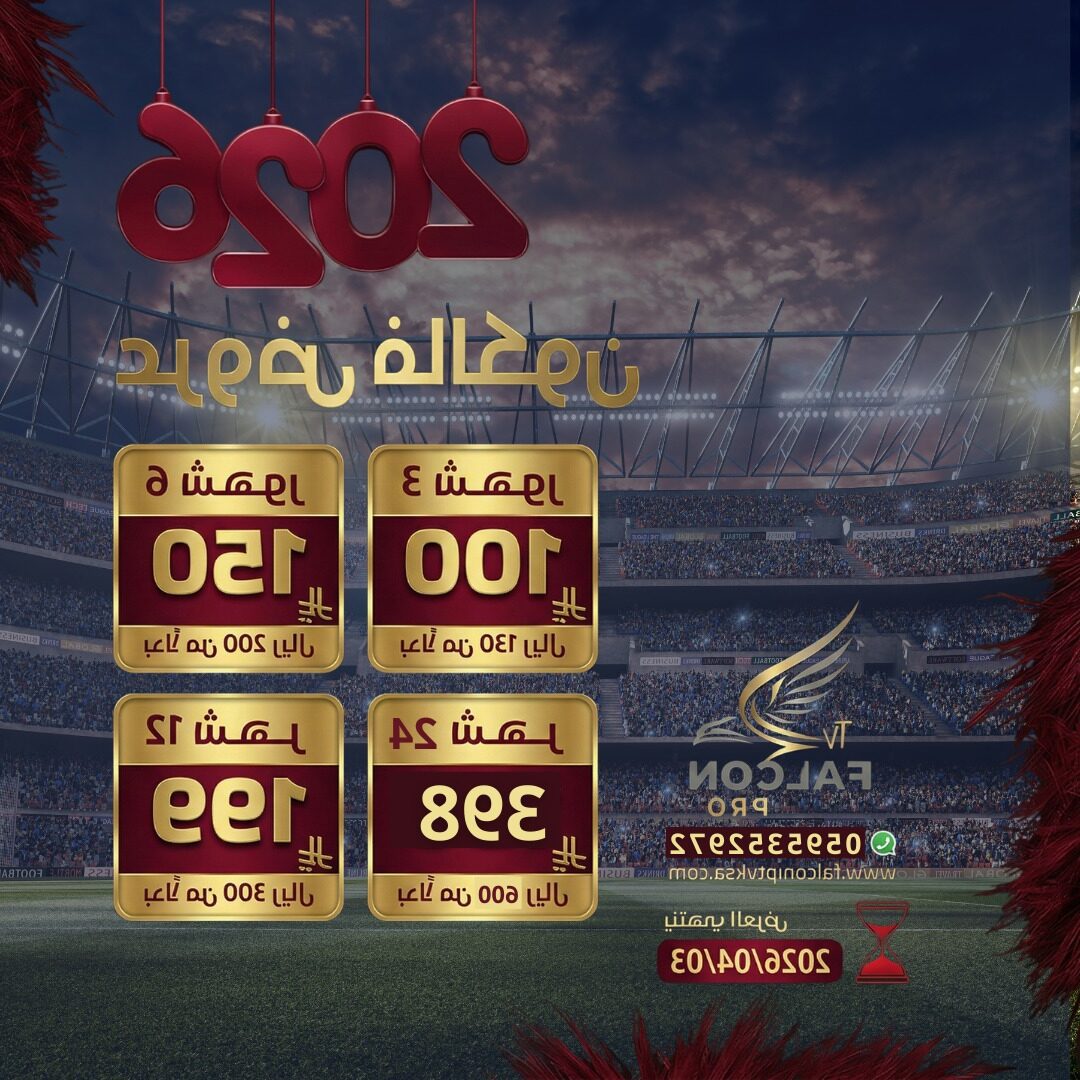


In the rapidly evolving world of digital entertainment, the way we consume television has fundamentally changed. The era of bulky cable boxes and rigid satellite contracts is fading, replaced by the flexibility of Internet Protocol Television (IPTV). At the forefront of this revolution is the Smarters Player, a sophisticated application that has become the gold standard for streaming enthusiasts globally.
Whether you are a cord-cutter looking to save money or a sports fanatic chasing the latest live events, understanding how to leverage this player is essential. In this comprehensive guide, we will explore everything you need to know about the Smarters Player, from installation to configuration, and how pairing it with a premium service like Falcon IPTV KSA can transform your living room into a cinema.
What is the Smarters Player?
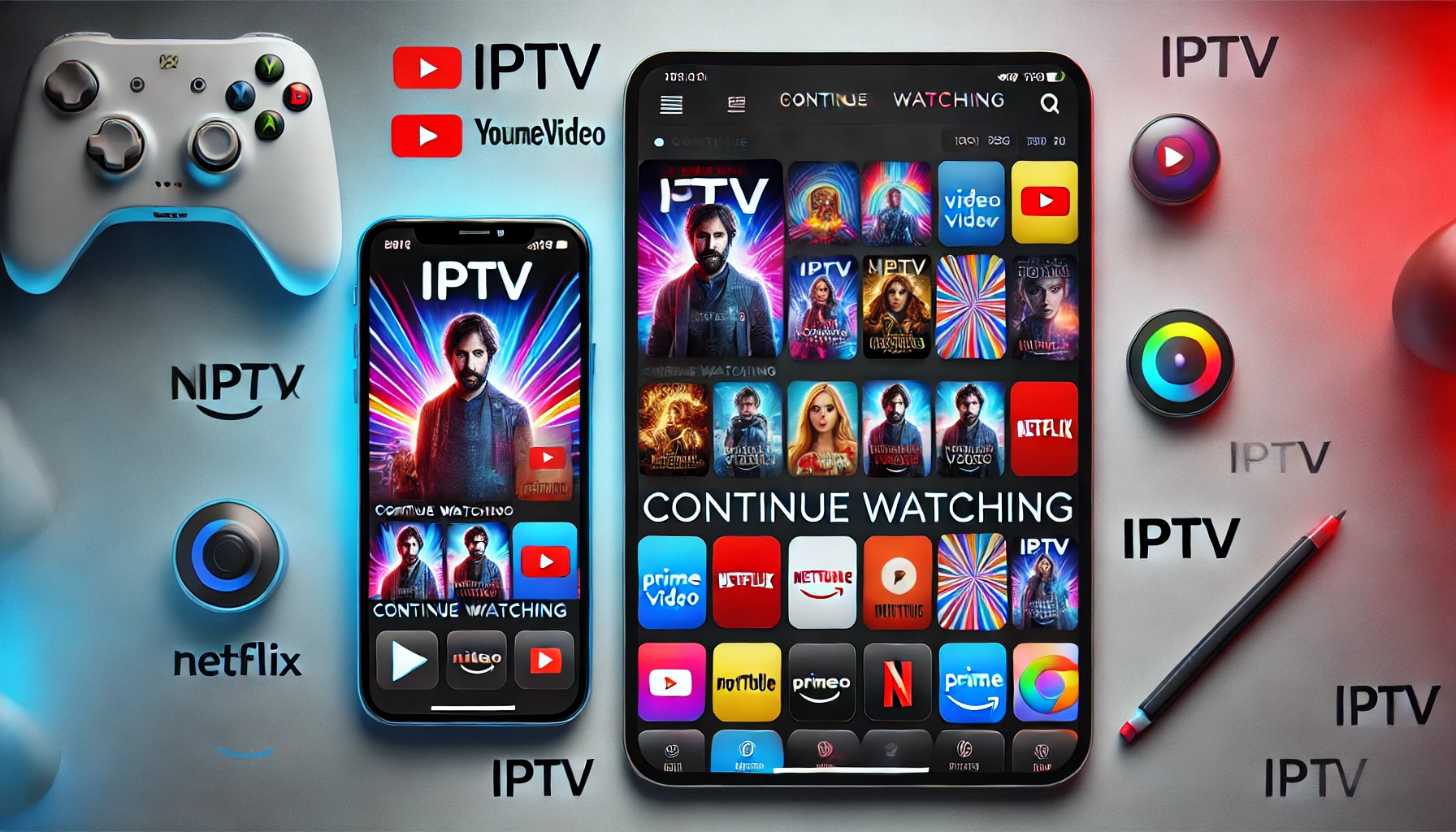
The Smarters Player (often referred to as IPTV Smarters Pro) is a media player application. It is crucial to understand that the app itself is a shell; it does not contain any content, channels, or movies. Instead, it acts as a bridge, connecting your device to the content servers provided by your IPTV subscription.
Think of it as a universal remote with a visual interface that rivals top-tier streaming giants like Hulu and HBO Max. It organizes raw data—Live TV, Video On Demand (VOD), and Series—into a navigable, user-friendly dashboard. This organization allows users to browse content with the same ease as using Apple TV.
Key Features of Smarters Player
Why has this specific player captivated millions of users? It offers a suite of professional features that enhance the viewing experience:
- Multi-Screen Support: Watch up to four different channels simultaneously on a single screen—perfect for tracking multiple football matches.
- Master Search: A powerful search engine that scans through Live TV, Movies, and Series instantly.
- Parental Control: robust security features to lock specific categories, ensuring safe viewing for children.
- EPG (Electronic Program Guide): A fully functional TV guide that shows current and upcoming programs.
- Catch Up: The ability to watch programs you missed hours or days ago (dependent on provider support).
To experience these features, you must first install the application. You can find the correct version for your device on our Download App page.
Prerequisites: Fueling the Player
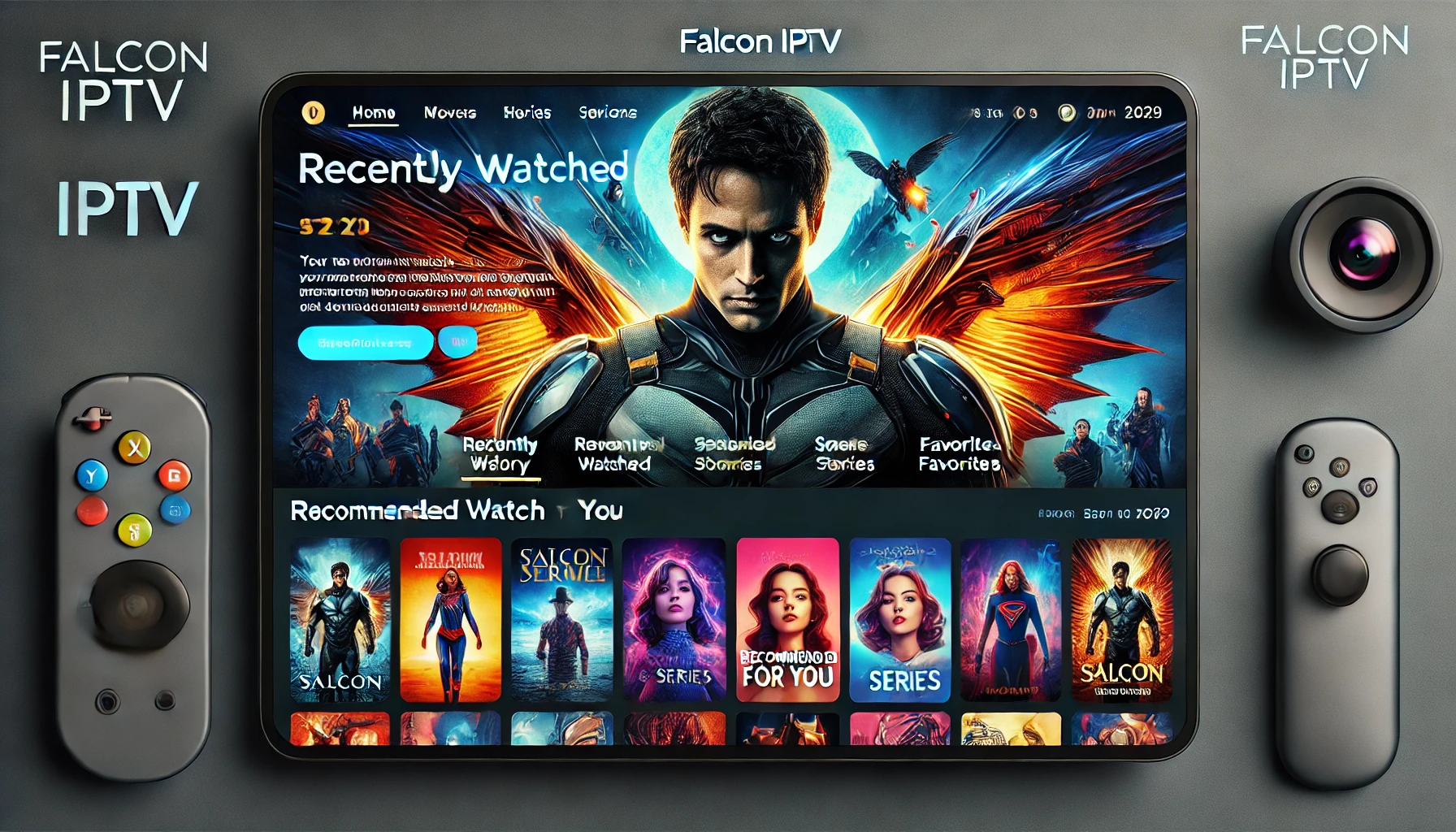
As mentioned, the Smarters Player requires a “fuel source” to run. This comes in the form of an IPTV subscription. Without high-quality server credentials, the player is just a blank screen. This is where Falcon IPTV KSA excels, providing stable, 4K-ready servers.
Before setting up, ensure you have two things:
- A Valid Subscription: You can choose a package that suits your needs via our Subscription Method page.
- High-Speed Internet: For seamless 4K streaming, a speed of at least 25 Mbps is recommended, similar to the standards suggested by YouTube and Vimeo support.
Installation Guide Across Devices
The versatility of the Smarters Player is unmatched. It is compatible with Android, iOS, Windows, Mac, and various Smart TVs. Here is how to get started on the most popular platforms.
1. Android (Phones, Tablets, and TV Boxes)
For Android users, the process is straightforward. You can download the APK directly or find it on the Play Store. The interface is touch-optimized, providing a smooth experience similar to Discovery+ apps.
2. iOS (iPhone, iPad, and Apple TV)
Apple users can download the “Smarters Player Lite” from the App Store. It is fully optimized for Retina displays, ensuring that your content looks crisp. The integration feels as native as Paramount+ on iOS devices.
3. Samsung and LG Smart TVs
For Tizen and WebOS, the app is often available in the official content store. If it is not visible due to regional restrictions, our Technical Support team can guide you through alternative setups or suggest compatible players like IB Player.
Configuration: The Xtream Codes API Method
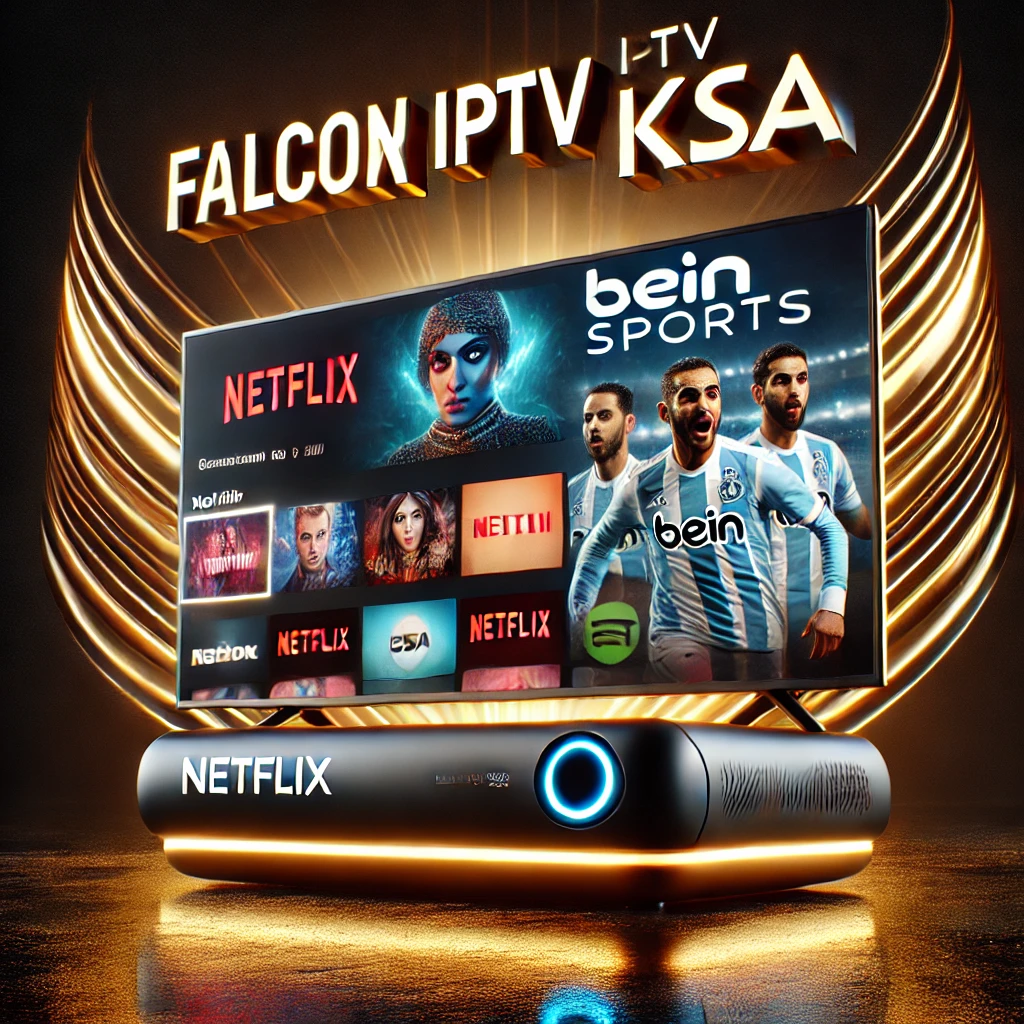
Once installed, the most critical step is logging in. While M3U playlists are supported, we highly recommend using the Xtream Codes API method for a faster, more organized experience.
- Open the Smarters Player application.
- Select “Login with Xtream Codes API”.
- Any Name: Enter a name for your playlist (e.g., FalconTV).
- Username: Enter the username provided in your subscription email.
- Password: Enter the corresponding password.
- URL: Enter the server URL provided by Falcon IPTV.
- Click “Add User”.
If you encounter any issues with login details, you can contact us via our Contact Page. We utilize support systems comparable to Zendesk and Intercom to ensure rapid assistance.
Unlocking the Content Library
With the player configured, you now have access to a massive library of entertainment. The content is generally divided into three main sections.
Live Sports
This is where the Smarters Player shines. You can stream live matches from the Premier League, NBA, NFL, and more. It aggregates channels that would typically require separate subscriptions to ESPN+, Sky Sports, and BeIN. The “Multi-Screen” feature allows you to keep an eye on rival teams simultaneously.
Movies and Series (VOD)
The Video On Demand section functions like a personal Starz or SonyLIV library. You can browse by genre, release year, or actor. The player pulls metadata, so you see movie posters, ratings, and plot summaries. Whether it’s a documentary from the BBC or a blockbuster from Rakuten TV, it’s all there.
Payment and Security
Security is paramount when dealing with online subscriptions. Falcon IPTV KSA adheres to strict privacy standards, respecting regulations like GDPR and the ECPA. Your viewing habits and data are secure.
We offer diverse and secure payment options to cater to our global and local audience in Saudi Arabia. You can complete transactions using:
- Apple Pay & Google Pay
- Local gateways like Mada and STC Pay
- Digital wallets such as Skrill, Alipay, and Cashu
All payments are processed through secure channels similar to HyperPay and PayTabs. Visit our Payment Page for more details.
Optimizing Your Experience
To get the most out of the Smarters Player, keep these tips in mind:
- External Players: If you find the built-in player struggles with certain 4K formats, you can configure the app to use VLC or MX Player as the default engine.
- Refresh List: Content is updated daily. If you don’t see a new episode, use the “Refresh” function in the top menu.
- Favorites: Long-press on any channel or movie to add it to your “Favorites” tab for quick access later.
Troubleshooting
While the player is robust, external factors can cause issues:
- Buffering: Usually an internet issue. Restart your router.
- Playlist Error: Ensure your subscription hasn’t expired.
- Legal Compliance: Always ensure you are following local regulations from bodies like the FCC or TRA.
For persistent issues, our support team, modeled after the efficiency of Freshdesk and Help Scout, is ready to assist.
Conclusion
The Smarters Player is more than just software; it is a gateway to a new era of entertainment. By combining its powerful features with the reliable, high-definition service of Falcon IPTV KSA, you unlock a world of content that is flexible, affordable, and high-quality. Whether on your phone, tablet, or Smart TV, the power to watch what you want, when you want, is in your hands.
Ready to upgrade your viewing experience? Read our Terms and Conditions and subscribe today.
Frequently Asked Questions (FAQ)
1. Is the Smarters Player free?
Yes, the standard version of the app is free to download. There is a “Pro” version with extra features, but the free version works perfectly for streaming our content.
2. Does the player include channels?
No, the player is empty upon installation. You must have a subscription from Falcon IPTV KSA to load channels and content.
3. How do I fix audio sync issues?
If audio is out of sync, try changing the “Player Type” in settings from Native to Hardware Decoder, or use an external player like VLC.
4. Can I use it on a Firestick?
Absolutely. You can side-load the application using the “Downloader” app on your Firestick. It works seamlessly with the remote.
5. Is my payment information safe?
Yes, we use encrypted payment gateways supporting major cards and local methods like SADAD to ensure 100% security for your transactions.