IPTV Buy Online: Step-by-Step Guide to Falcon IPTV in 2025
If you are searching for “IPTV buy online”, you probably want a reliable, legal and high-quality way to stream live TV, Arabic channels, sports and movies without buffering. In this detailed guide, we will show you how to buy an IPTV subscription online with Falcon IPTV, what to check before you pay, and how to start watching on your smart TV, mobile or tablet in minutes.
We will also compare IPTV to popular streaming platforms like Hulu, HBO Max, Apple TV+, and live services such as ESPN+, and explain why many users in KSA and the GCC prefer a premium IPTV provider like Falcon.
What Does “IPTV Buy Online” Really Mean?
When people search for IPTV buy online, they are usually looking for:
A trusted website where they can buy IPTV subscription safely.
Stable servers for 4K and Full HD IPTV streaming.
Rich Arabic IPTV channels, sports, kids and movie channels.
This is exactly what Falcon IPTV KSA focuses on: high-quality streams, optimized servers for the Middle East and a simple subscription flow completely online.
How to Buy IPTV Online from Falcon IPTV – Step by Step
To make the IPTV buy online process easy, Falcon IPTV provides clear subscription and payment pages in Arabic and English.
1. Visit the Official Website
Start from the official Falcon IPTV website:
https://falconiptvksa.com/ – this is your main source for IPTV packages, offers and updates.
2. Check Subscription Instructions
If you prefer an Arabic step-by-step guide, use the subscription method page:
طريقة الإشتراك في Falcon IPTV.
It explains how to choose your IPTV package, confirm your device type and complete the order.
For English readers, you can explore detailed guides such as:
Before you click “buy”, be sure you understand the duration and features of each plan. Falcon’s English guide
Falcon IPTV Plan 2025 explains:
Short-term and long-term IPTV subscriptions.
Support for 4K streams where available.
How many devices you can use.
4. Pay Online Securely
One of the most important parts of “IPTV buy online” is payment security. Falcon IPTV uses trusted, region-friendly payment gateways. You can review the payment options on the dedicated page:
Falcon IPTV Payment Page.
Depending on your country, you may be able to pay through services like:
If you prefer international payment wallets, you will recognize brands like
Skrill,
Alipay and
CashU, depending on what the provider supports in your region.
5. Install the IPTV App on Your Device
After your payment is confirmed, you will receive your IPTV subscription details (URL, username, password or m3u) by email or WhatsApp. Then you can install a compatible player like IPTV Smarters Pro or Smarters Player Pro, or use a smart TV app.
Falcon provides an official download page:
Download the Falcon IPTV App,
and you can learn more about players in guides like
IPTV Smarters Pro – Falcon guide and
Smarters Player Pro guide.
How Falcon IPTV Compares to Other Streaming Platforms
Traditional streaming giants like Hulu,
HBO Max,
Starz,
Paramount+,
Discovery+,
SonyLIV or
Rakuten TV
offer great VOD content but usually do not provide full Arabic channel packages or all the live sports and MENA content users expect.
With Falcon IPTV you can:
Get Arabic IPTV channels plus international entertainment.
Watch major sports channels and leagues (as explained in many Falcon sports-focused posts).
Access a huge movie and series library similar to what you find on BBC iPlayer or YouTube, but in one IPTV interface.
Legal, Privacy and Regulatory Considerations
Whenever you buy IPTV online, you should think about privacy, data protection and telecom rules:
Falcon IPTV also publishes terms and conditions you can review before purchase. This helps you understand the acceptable use policy, refund rules and what level of service you can expect.
Support and Customer Service When Buying IPTV Online
One of the biggest fears for users is: “What if my IPTV doesn’t work after I pay?”. Falcon addresses this by offering dedicated support pages and modern helpdesk tools similar to
Intercom,
Zendesk Chat,
Freshdesk and
HelpScout.
Some Falcon articles and FAQs explain how to fix common issues on apps like IPTV Smarters, Smarters Player Pro and smart TVs. If you are coming from communities such as Reddit, you might like:
Arabic IPTV channels Reddit guide 2025.
Extra Guides Before You Decide to Buy IPTV Online
If you are still comparing providers or want more details about devices and quality, check these Falcon IPTV articles:
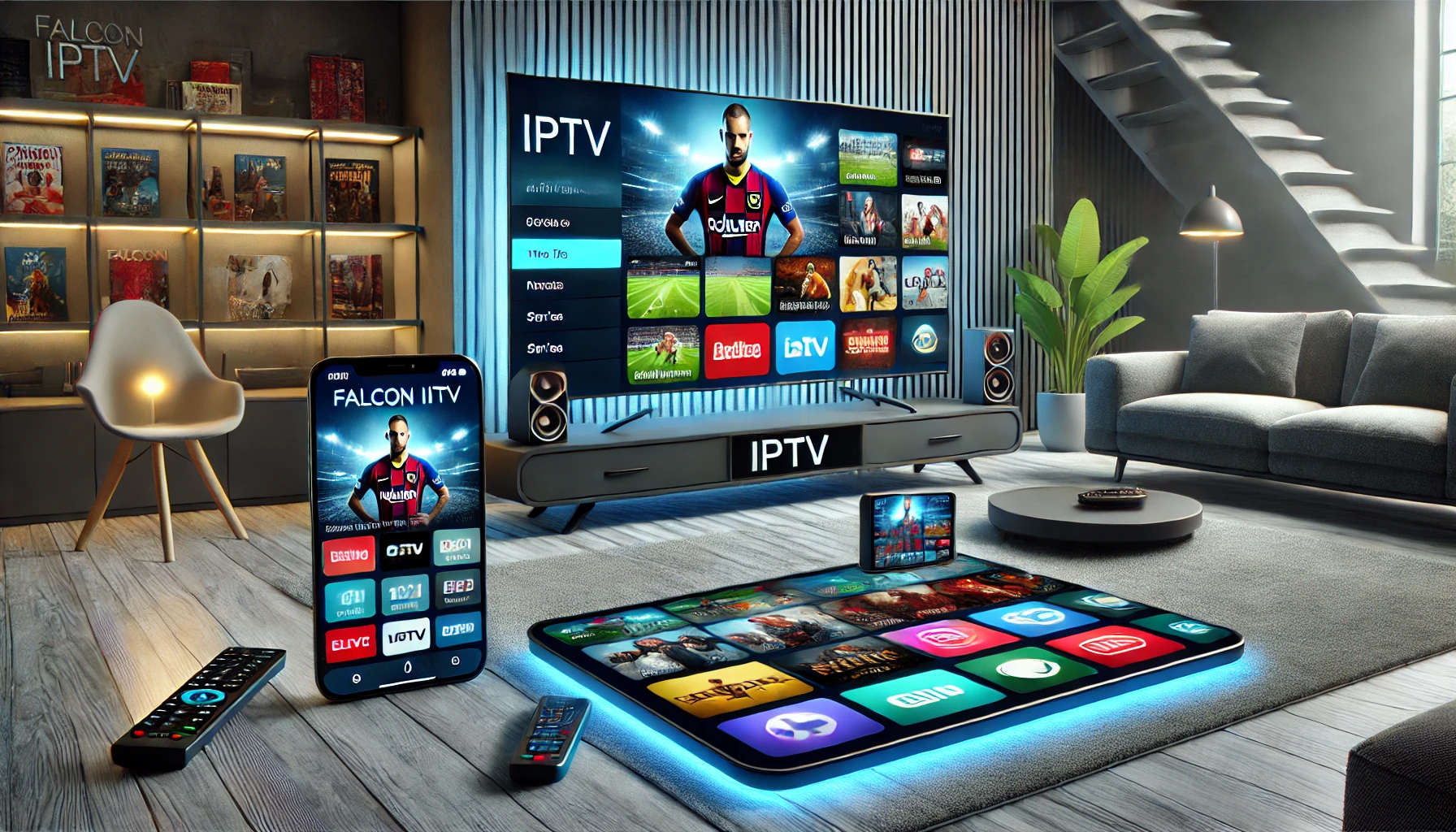
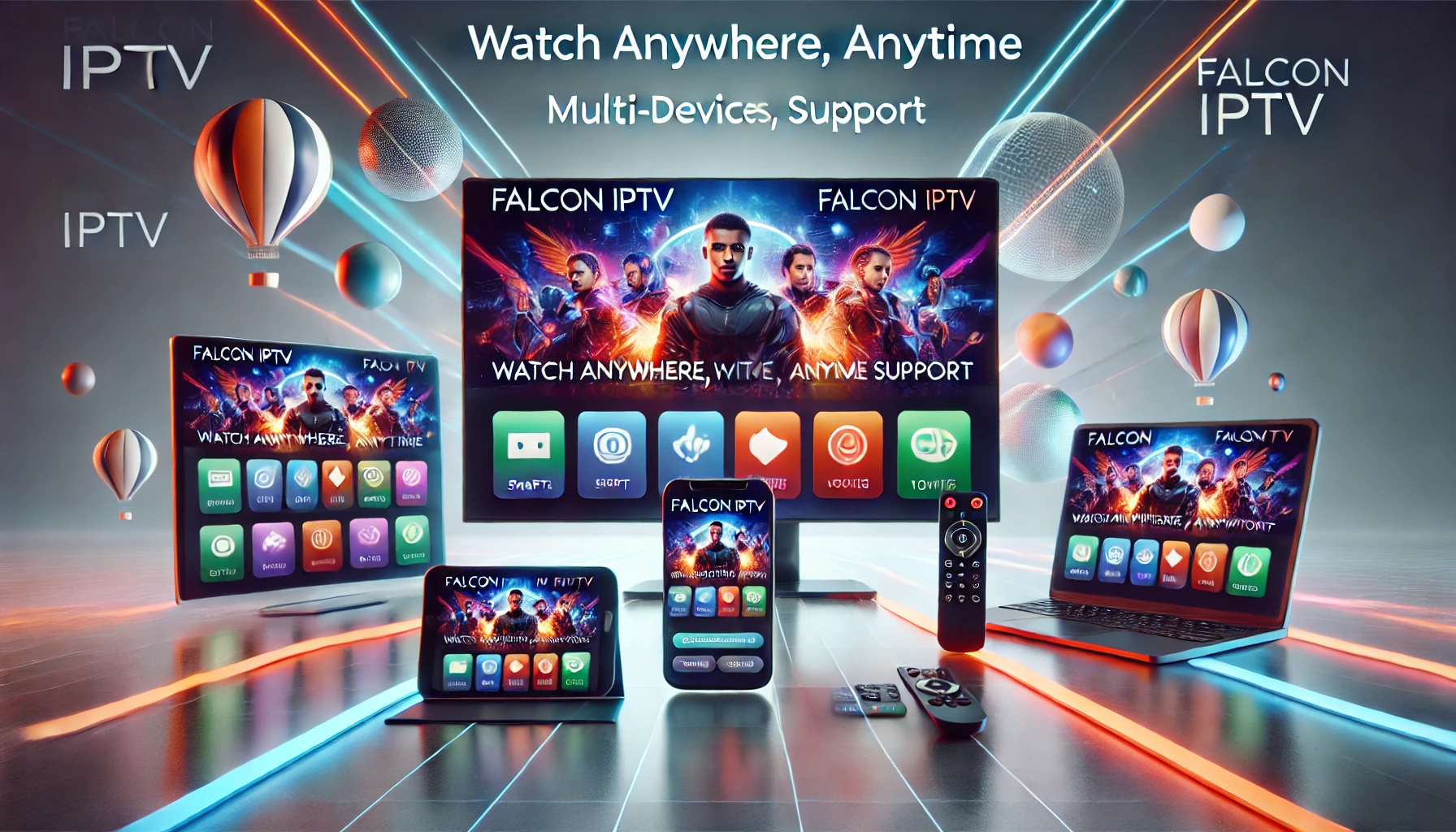
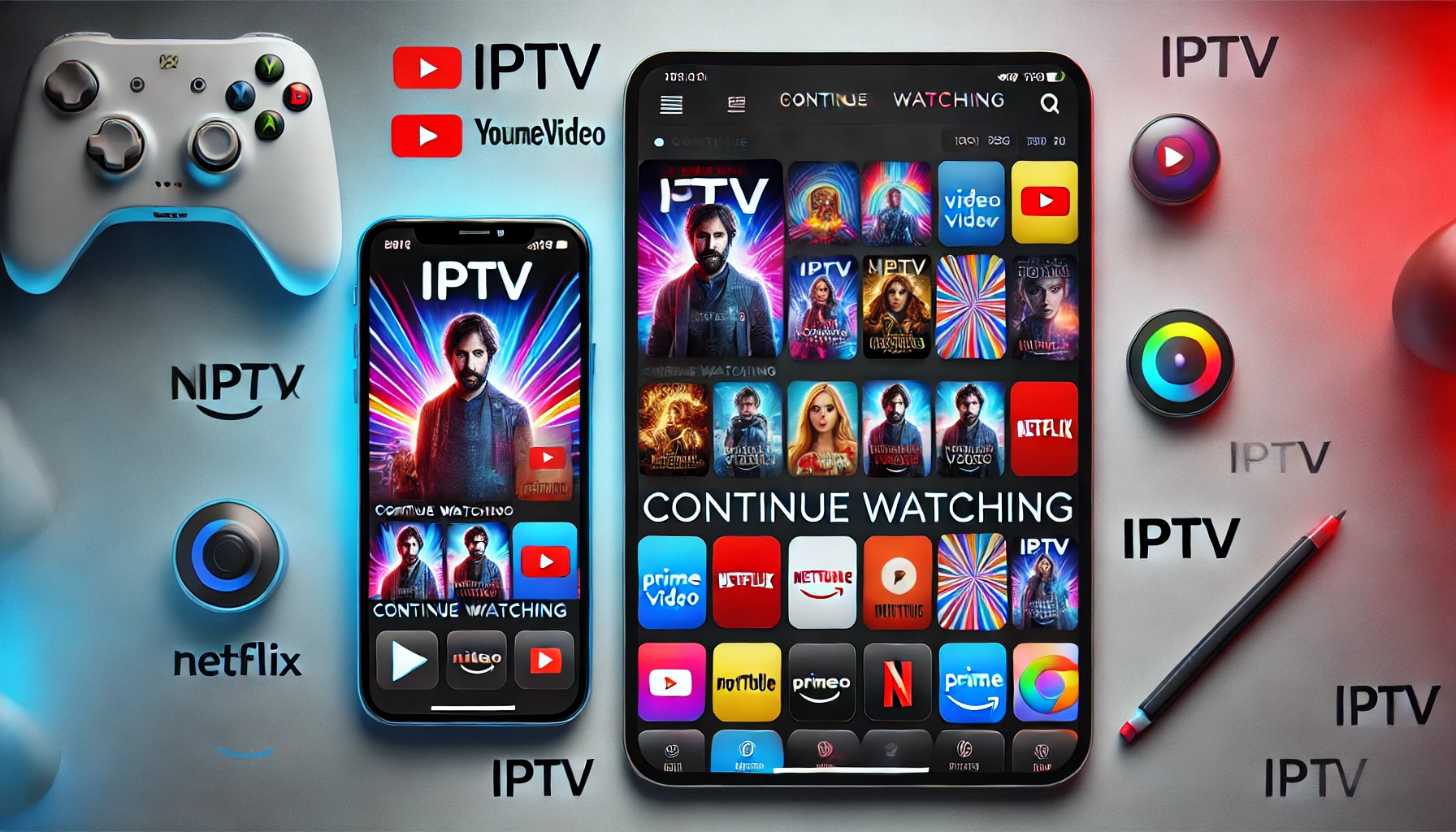
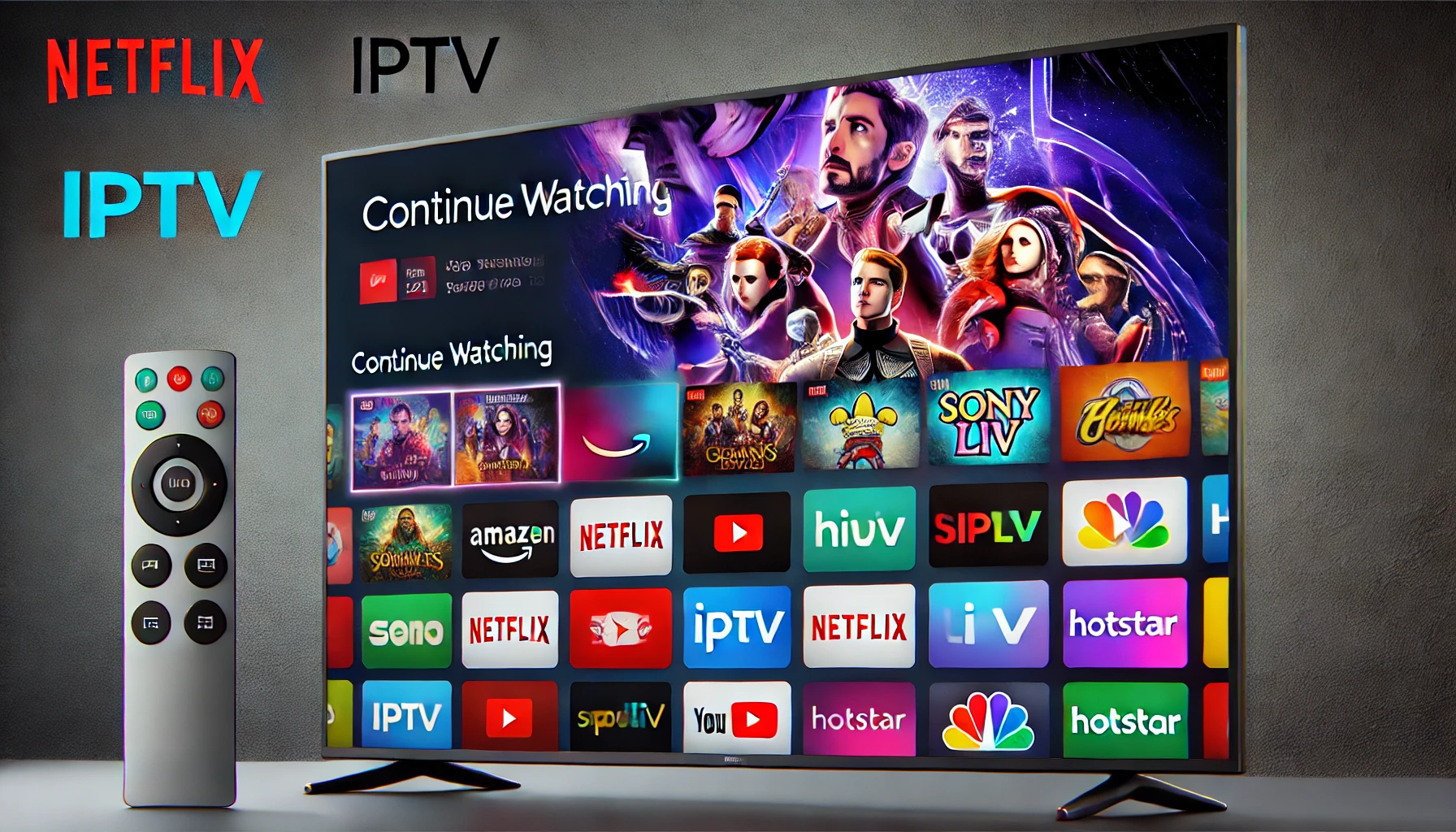
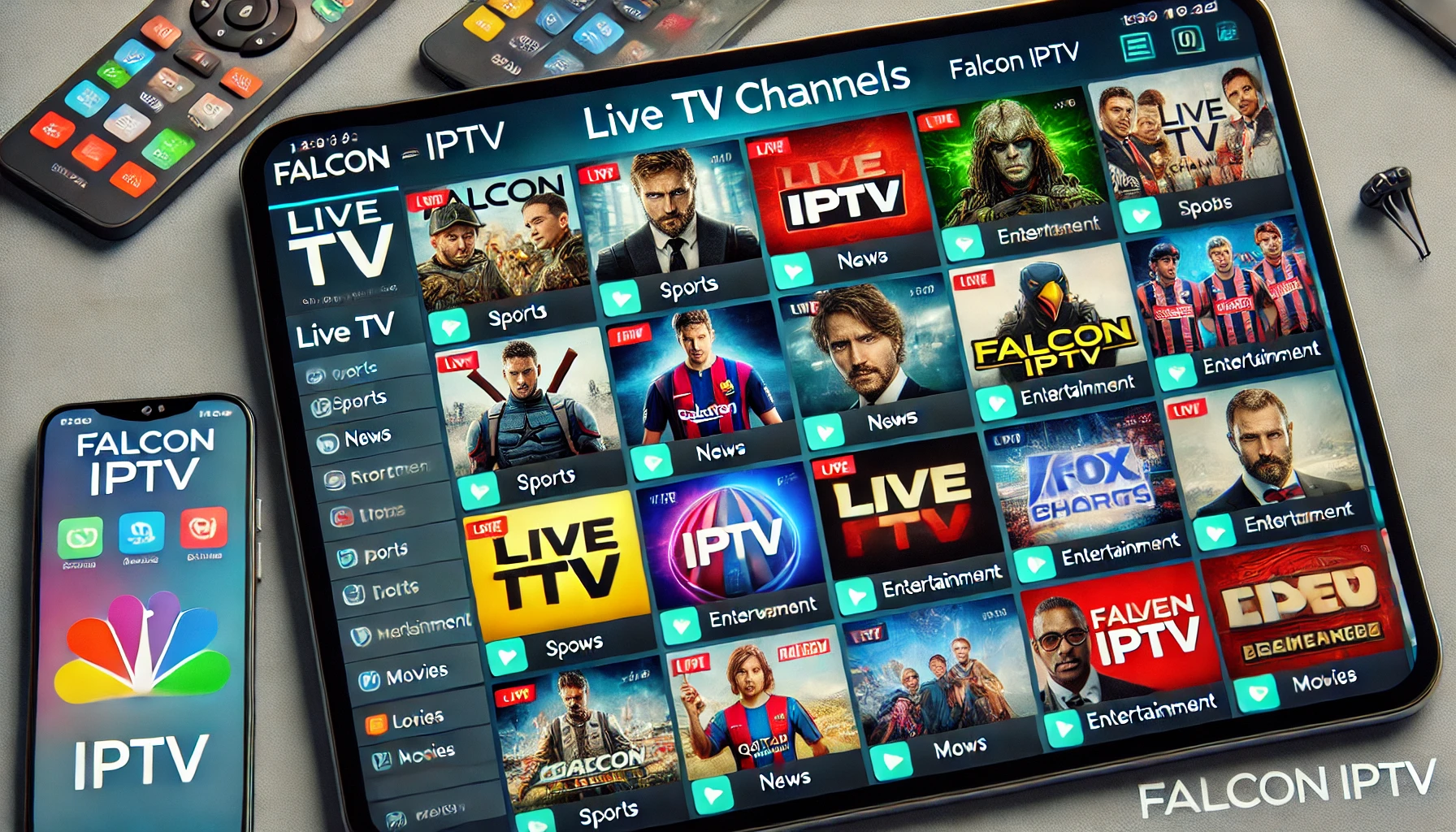
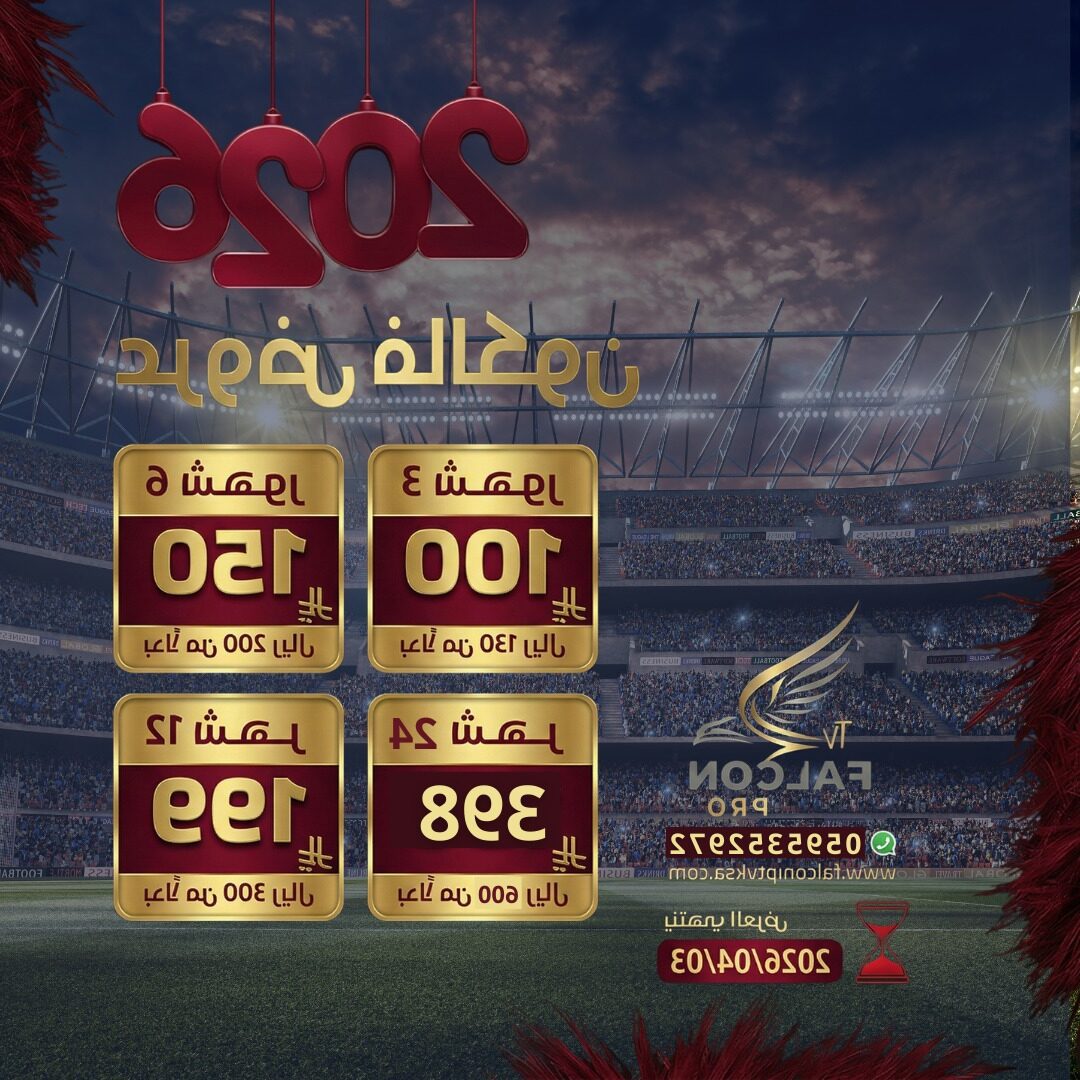
Here is a visual look at what you get when you buy IPTV online from Falcon – from the interface to device compatibility and content library.
Conclusion: The Smart Way to Buy IPTV Online
If you want to buy IPTV online without risk, focus on three things: an official website, clear subscription instructions, and secure payment methods. Falcon IPTV checks all these boxes by offering:
A professional website and multiple detailed guides in English and Arabic.
Flexible IPTV plans for KSA, GCC and worldwide viewers.
Secure payment gateways (STC Pay, Mada, Sadad, international cards and more).
Instead of testing random unknown sellers on social media, you can follow the official guides, choose a plan that fits your needs and start streaming live TV, sports and movies confidently with Falcon IPTV.
FAQ – IPTV Buy Online & Falcon IPTV
1. Is it safe to buy IPTV online?
Buying IPTV online is safe if you use a trusted provider like Falcon IPTV and pay through secure gateways such as STC Pay, Mada, Sadad or PayTabs. Always check the official website and read the terms and conditions before paying.
2. Which devices can I use with Falcon IPTV?
Falcon IPTV supports a wide range of devices: Smart TVs, Android TV boxes, smartphones, tablets, IPTV Smarters, Smarters Player Pro and more. You can find device-specific tips in guides like Falcon IPTV KSA guide and 4K streaming guide.
3. What is the difference between IPTV and services like Hulu or Netflix?
Platforms such as Hulu, HBO Max and Apple TV+ focus mainly on VOD content. IPTV services like Falcon combine live TV channels (including Arabic and sports), VOD movies, series and international channels in one app with EPG and categories similar to a full TV experience.
4. How can I contact support if my IPTV doesn’t work?
If you face any issues after you buy IPTV online, visit the technical support page or use the contact us form. Falcon’s team will help you with app setup, playlist activation, device configuration and more.
5. Do I need a very fast internet connection for IPTV?
For smooth IPTV streaming with Falcon, a stable connection is more important than just speed. However, for Full HD and 4K streaming, it is recommended to have at least 15–25 Mbps per active stream. If you plan to use multiple devices at the same time, higher bandwidth is better.