


In the digital age, the way we consume television has undergone a radical transformation. Traditional cable and satellite dishes are rapidly being replaced by more flexible, internet-based solutions. At the forefront of this revolution is the ip tv smarters pro application. For cord-cutters and entertainment enthusiasts alike, this application serves as the ultimate gateway to a world of high-definition content.
Whether you are looking to stream live sports, binge-watch the latest series, or access international news, understanding how to utilize this powerful player is essential. In this extensive guide, we will explore every aspect of IPTV Smarters Pro, from installation and configuration to maximizing your viewing experience with a premium service provider like Falcon IPTV KSA.
What is IP TV Smarters Pro?
It is crucial to clarify a common misconception: ip tv smarters pro is a media player, not a content provider. Think of it as a sophisticated video player (like VLC) that is specifically designed to handle IPTV streams. It does not come with pre-loaded channels. Instead, it acts as a bridge between your device and the content provided by your subscription service.
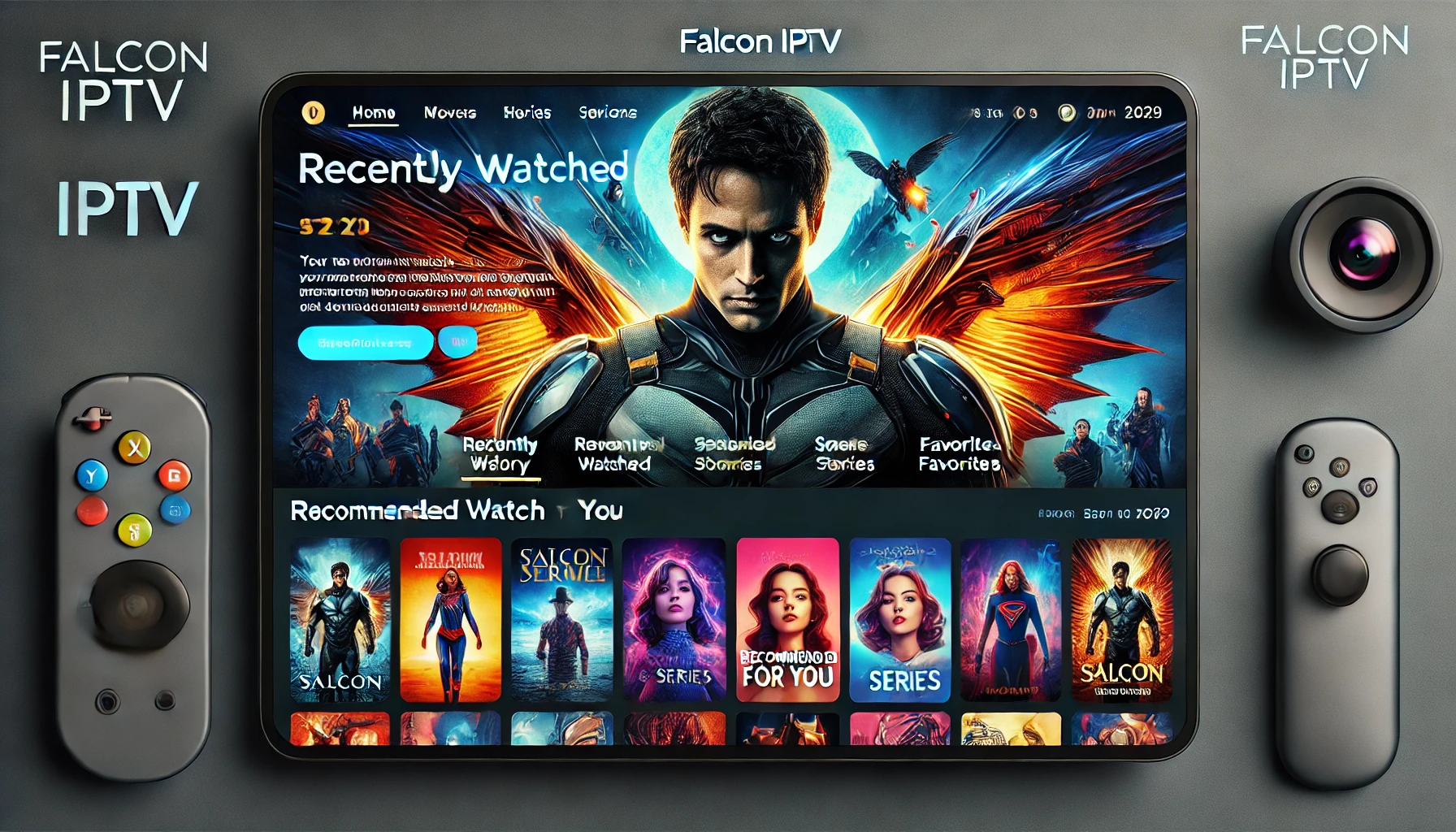
The application is renowned for its user-friendly interface, which mimics the layout of popular streaming giants like Hulu and HBO Max. It organizes content into logical categories: Live TV, Movies, and Series, making navigation intuitive for users of all ages.
Key Features of the Application
- Multi-Screen Support: Watch up to 4 channels simultaneously on one screen.
- Parental Control: Restrict access to specific categories to ensure safe viewing for children.
- EPG (Electronic Program Guide): View programming schedules similar to a traditional cable guide.
- Master Search: Find your favorite content across all categories instantly.
- External Player Support: The ability to use players like MX Player or VLC within the app.
Getting Started: The Prerequisites
Before diving into the installation, you need two main components: a stable internet connection and a valid IPTV subscription. For high-quality streaming, especially 4K content, a robust connection is vital. Services like Vimeo and YouTube recommend high bandwidth for 4K, and live TV is no different.
To get your login credentials (username, password, and server URL), you must subscribe to a reliable provider. You can choose a plan that suits your needs by visiting our subscription method page. Once subscribed, you will receive the necessary “Xtream Codes” to activate the player.
Installation Guide Across Devices
One of the massive advantages of ip tv smarters pro is its cross-platform compatibility. It runs smoothly on Android, iOS, Windows, Mac, and Smart TVs.
1. Android (Smartphones, Tablets, and TV Boxes)
For Android users, the process is straightforward. You can download the APK directly or install it via the Play Store. If you are using a Firestick, you may need to use the “Downloader” app to sideload the APK. For the latest version, visit our download page.
2. iOS (iPhone, iPad, and Apple TV)
Apple users can enjoy a seamless experience as well. The app pairs perfectly with the high-resolution retina displays of Apple devices. It brings an interface quality comparable to Apple TV+. Simply search for the Smarters player on the App Store.
3. Samsung and LG Smart TVs
For Tizen (Samsung) and WebOS (LG), the app is often available in the official content store. However, some regions might require changing the TV’s region settings or using an alternative player like IB Player if Smarters is temporarily delisted.
Configuring the Application
Once installed, you will be greeted by the login screen. The most stable and recommended method is using the Login with Xtream Codes API.
- Any Name: Enter a name for your playlist (e.g., FalconTV).
- Username: Enter the username provided in your subscription email.
- Password: Enter the corresponding password.
- URL: Enter the server URL (usually starts with http:// and ends with a port number).
If you encounter issues during this step, our technical support team is available to assist you via platforms like Intercom or Zendesk integrated systems.
Unlock a World of Content
With ip tv smarters pro configured, the content possibilities are nearly endless. The application handles large libraries of content efficiently, ensuring no lag when browsing through thousands of options.
Live Sports Streaming
Sports fans are the primary beneficiaries of this technology. You can access live matches from the Premier League, NBA, NFL, and more. It aggregates channels that might otherwise require separate subscriptions to ESPN+, Sky Sports, or beIN Sports. The “Multi-Screen” feature is particularly useful here, allowing you to watch two football matches simultaneously.
Movies and Series (VOD)
The Video On Demand (VOD) section operates much like Discovery+ or Paramount+. You get access to the latest box office hits and trending TV shows. The app pulls metadata, so you see posters, plot summaries, and cast information, enhancing the user experience. You can find content ranging from Starz originals to documentaries found on BBC iPlayer.
Payment and Subscription Security
Security is a top priority when subscribing to digital services. At Falcon IPTV KSA, we ensure that your transaction data is encrypted and secure. We accept a variety of payment methods to cater to our global audience, including Apple Pay, Google Pay, and regional favorites like Mada and STC Pay.
We utilize trusted gateways similar to HyperPay and PayTabs to process transactions. Before purchasing, we encourage users to read our Terms and Conditions to understand the service usage policies.
For international users, wallets like Skrill, Alipay, and Cashu are often supported, ensuring that banking restrictions do not hinder your entertainment. You can view all available options on our Payment Page.
Troubleshooting Common Issues
Even with the best application, technical hiccups can occur. Here are common solutions for ip tv smarters pro users:
- Buffering: This is usually internet-related. Check your speed against the requirements of the FCC or your local TRA. Restart your router.
- Playlist Load Error: Click “Refresh Playlist” in the app settings. If the issue persists, contact us via Contact Us.
- Audio Sync Issues: Try changing the media player engine within the app settings from Native to Hardware Decoder.
For more advanced help, our support system, modeled after industry leaders like Freshdesk and Help Scout, ensures your tickets are resolved promptly.
The Future of Home Entertainment
The combination of ip tv smarters pro and a premium service like Falcon IPTV represents the future of entertainment. It offers the flexibility that rigid cable contracts cannot match. With the integration of AI-driven recommendations and higher compression efficiencies for SonyLIV or Rakuten TV quality streams, the gap between physical media and streaming is closing.
Whether you are using it for educational purposes, accessing news, or pure entertainment, ensuring you comply with data privacy laws like GDPR and ECPA is vital. Always use a secure service that respects your data.
Conclusion
Mastering ip tv smarters pro opens the door to a premium viewing experience that is cost-effective, diverse, and accessible anywhere. By choosing Falcon IPTV KSA, you are not just buying a subscription; you are investing in a comprehensive entertainment solution supported by robust customer service. From the ease of payment via SADAD to the vast library of 4K content, everything is designed for your satisfaction. Don’t wait—upgrade your TV experience today.
Frequently Asked Questions (FAQ)
1. Is IP TV Smarters Pro free to download?
Yes, the standard version of the app is free to download on Android and iOS. There is a paid version that removes ads and adds features like Master Search, but the free version is sufficient for most users.
2. Can I use the app without a subscription?
No, the app is just a player. You must have a playlist or subscription from a provider like Falcon IPTV KSA to watch content.
3. How do I update the app on my TV?
If you installed it via the TV’s app store, it should update automatically. If you side-loaded it (on Android TV), you may need to download the new APK from our download page.
4. Does the app support 4K streaming?
Yes, IP TV Smarters Pro supports 4K and HEVC streams, provided your device’s hardware can decode them and your internet speed is sufficient (25 Mbps+).
5. Is my payment information safe?
Absolutely. When you subscribe through our payment portal, we use encrypted gateways to process payments via Visa, Mastercard, Apple Pay, and local methods securely.