How to Pay for IPTV Subscription in 2025 – Simple Guide for Falcon IPTV KSA Users
Paying for an IPTV subscription no longer has to be confusing. Whether you are a new user wondering how to pay for IPTV subscription, or you simply want to renew your plan with Falcon IPTV KSA, this step-by-step guide walks you through every option: local Saudi payment methods, global digital wallets, and how to stay safe while paying online.
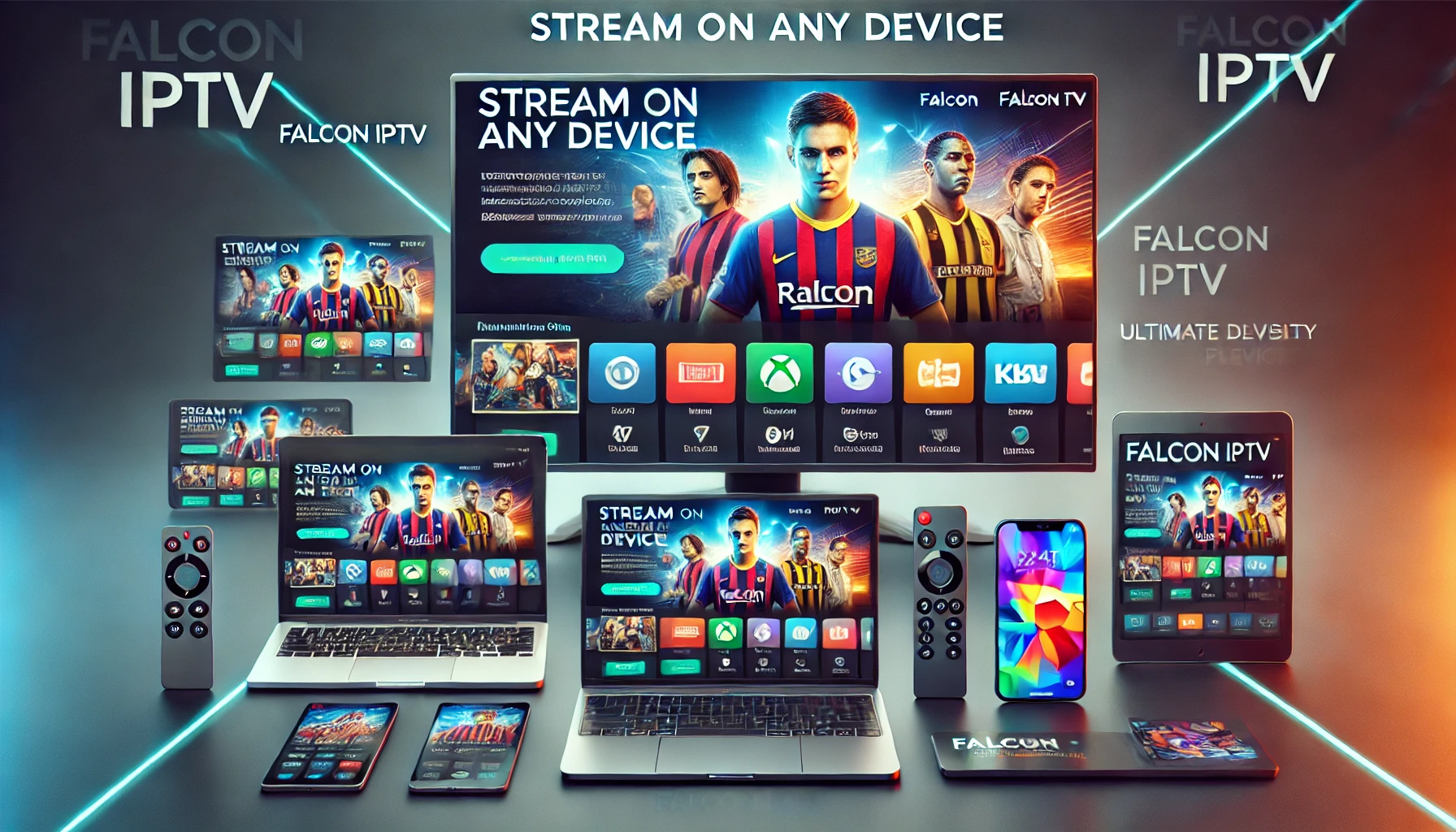
Enjoy IPTV on multiple devices after completing your subscription payment.
What Does an IPTV Subscription Payment Cover?
When you pay for an IPTV subscription, you are essentially paying for access to TV channels, movies, series, and live sports via the internet. Services like Falcon IPTV KSA offer:
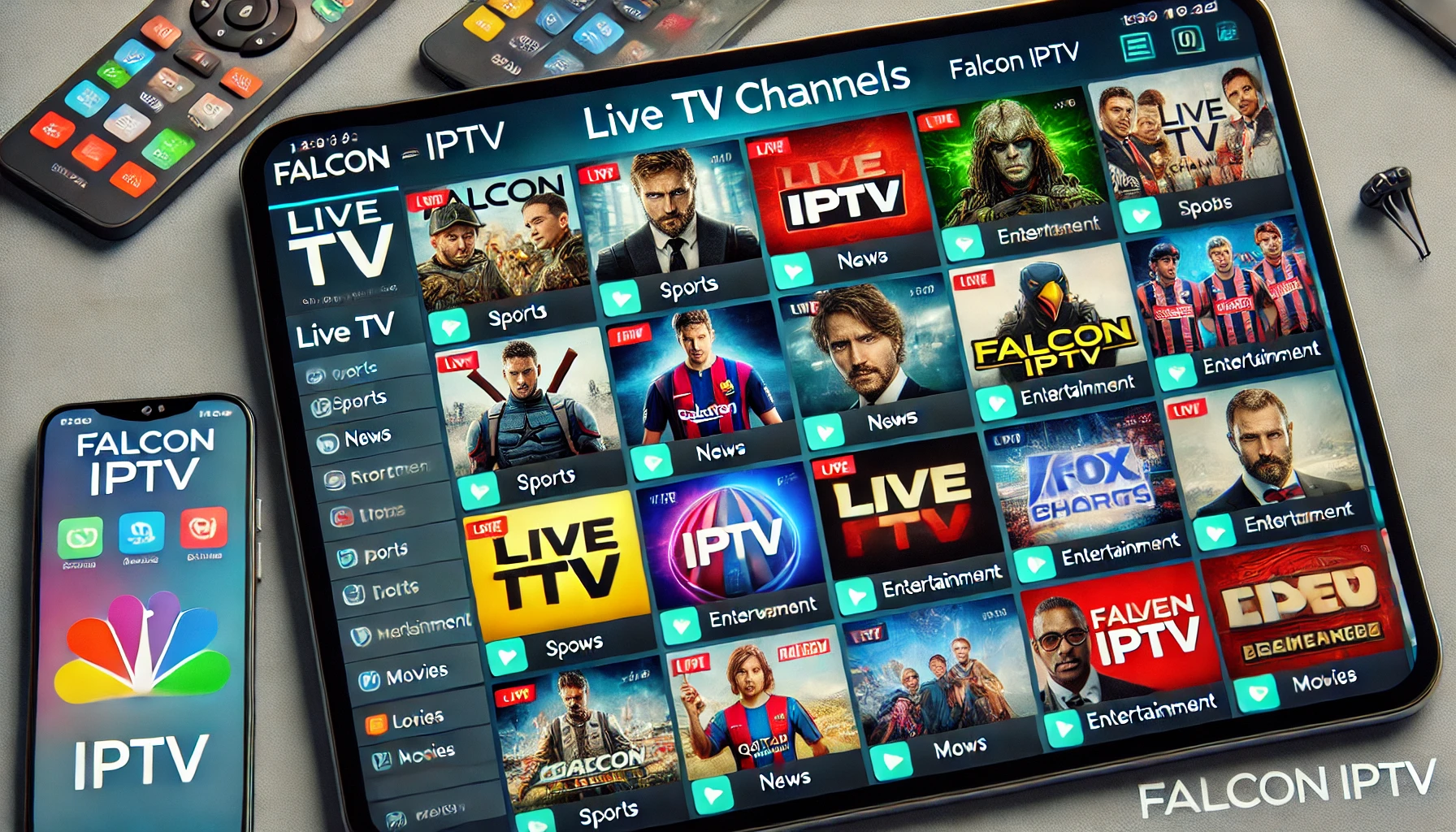
Live TV channels, including Arabic and international channels
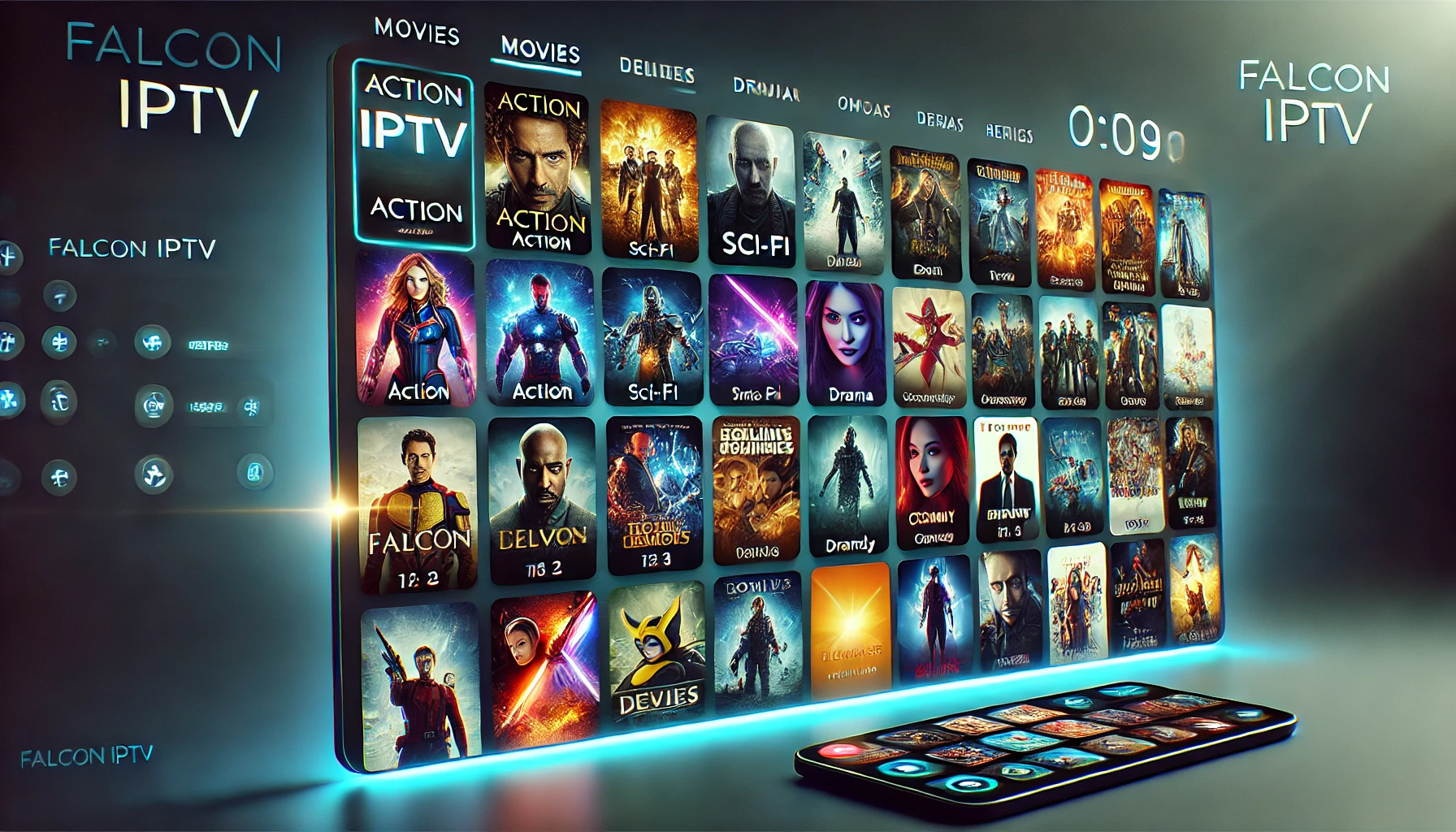
VOD libraries (movies and series on demand)
Live sports, leagues, and events
Multi-device support (smart TV, mobile, tablet, TV box)
To understand the full experience Falcon IPTV KSA offers, you can check the cornerstone overview article here:
Falcon IPTV KSA – streaming overview.
This article gives you a broad idea of how IPTV streaming works with Falcon and why choosing the right payment method is important.
How to Pay for IPTV Subscription with Falcon IPTV KSA – Step by Step
Falcon IPTV KSA makes paying for IPTV easy through its website and secure payment page. Here’s a simple, practical flow you can follow.
1. Visit the Official Falcon IPTV KSA Website
Start by going to the main site:
https://falconiptvksa.com/.
From here, you can explore plans, features, and details about IPTV packages.
2. Check the Subscription Method Page
Falcon provides a clear guide on how to subscribe. Open the subscription method page:
طريقة الإشتراك في Falcon IPTV KSA.
This page explains how to:
Choose the right IPTV plan
Submit your details correctly
Move to the secure payment step
3. Open the Secure Payment Page
When you are ready to pay, you’ll be directed to the secure payment section:
Falcon IPTV Payment Page.
Here, you select your preferred payment method and confirm your IPTV subscription.
4. Download the Application After Payment
Once your IPTV payment is successful, you can install the app on your devices via:
Download Falcon IPTV App.
This ensures you are using the official app, optimized for your subscription.
5. Get Help from Technical Support When Needed
If the IPTV payment fails, or you are unsure whether your subscription is active, you can contact Falcon’s support via:
You can also quickly reach the team via WhatsApp using the contact button embedded on the site.
Popular IPTV Payment Methods – Local and Global
One of the most common questions is not only how to pay for IPTV subscription, but also which payment methods are safest and most convenient. Falcon IPTV KSA generally uses secure online gateways similar to other trusted services. Below are examples of methods that are commonly used for IPTV and online entertainment payments.
1. Local Saudi Arabian Payment Solutions
STC Pay – A highly popular Saudi digital wallet app that lets you pay online, top up, and manage subscriptions easily.
Mada – Debit cards connected to your local bank account and widely used for POS and online payments.
SADAD – A national electronic billing system that some gateways integrate with for secure bill and subscription payments.
HyperPay and
PayTabs – Regional payment gateways that support cards and local wallets.
Falcon IPTV KSA may use one or more of these gateways through its official payment page
(falconiptvksa.com/الدفع), so always double-check the logos and the URL before entering your card data.
2. International Digital Wallets and Cards
Many users outside Saudi Arabia look for international payment methods compatible with IPTV subscriptions. Popular examples include:
Apple Pay – Pay using iPhone, Apple Watch, or Safari on supported devices.
Google Pay – Convenient for Android users and Chrome browser payments.
Skrill – Widely used for digital services and online subscriptions.
Alipay – A major wallet in China and among international shoppers.
CashU – Prepaid wallet popular across the Middle East and North Africa.
Although these examples are not specific only to IPTV, they show how your IPTV payment can fit naturally into your existing digital payment habits.
Comparing IPTV Payments with Other Streaming Platforms
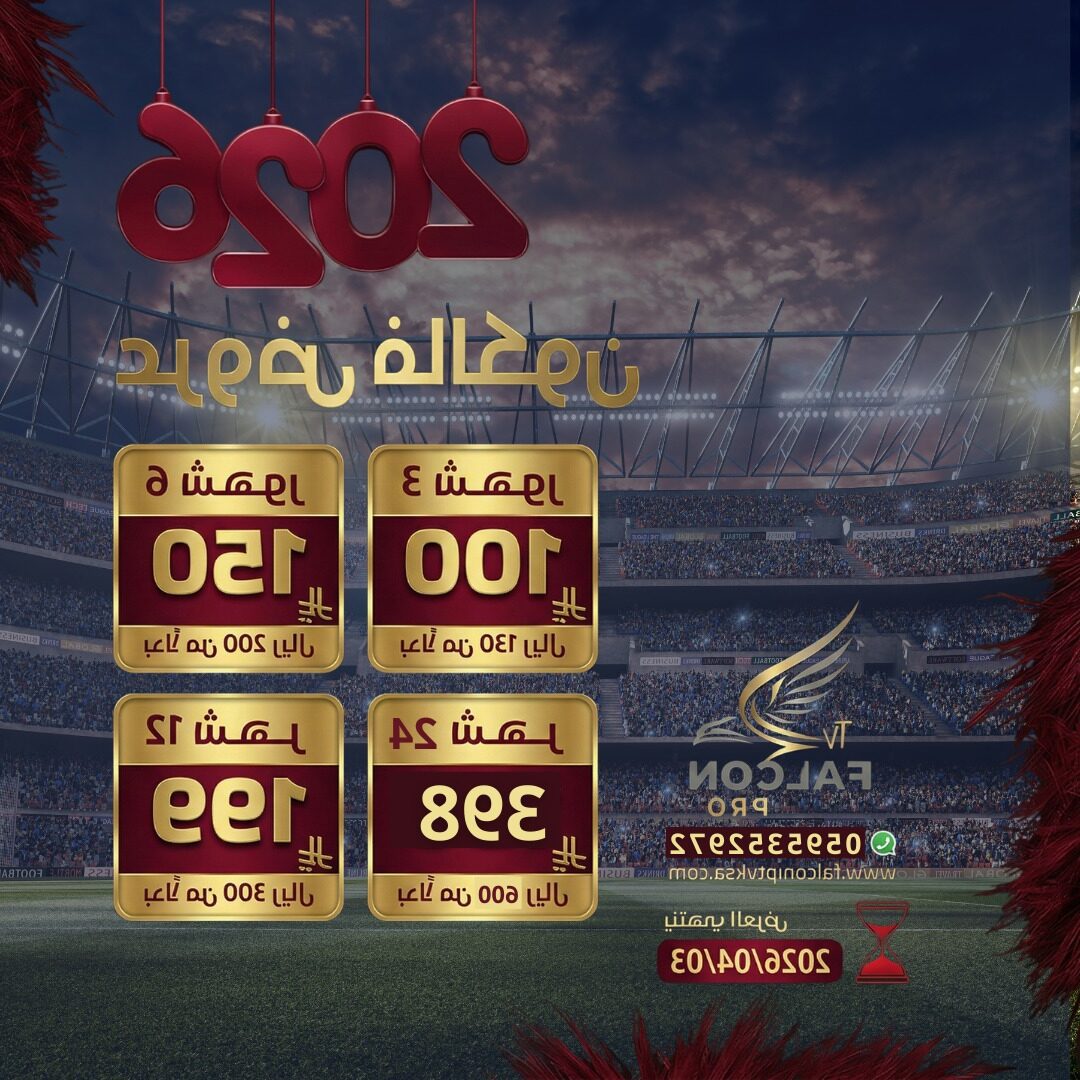
Choose a subscription plan (monthly, 3 months, 6 months, yearly)
Enter your payment details on a secure page
Receive confirmation by email or WhatsApp
Falcon IPTV KSA follows a similar subscription logic, but with a strong focus on Arabic channels, sports, and regional content. For deeper guides on choosing the best IPTV in Saudi Arabia and how to subscribe, you can check:
FCC – US communications regulator providing guidance for digital services and communications.
What If My IPTV Payment Fails?
Sometimes payments fail due to card restrictions, bank security, or gateway issues. When that happens:
Try another card or wallet if available.
Check with your bank to approve online/foreign transactions.
Contact Falcon IPTV KSA support for manual verification.
On the Falcon IPTV side, the support tools and workflows may be similar to well-known support platforms like
Intercom,
Zendesk Chat,
Freshdesk, and
Help Scout, as well as help systems such as
YouTube Help and
Vimeo Help.
These examples show how professional online services handle tickets, live chat, and troubleshooting.
For Falcon IPTV KSA specifically, use:
If you want to go beyond understanding just how to pay for IPTV subscription and learn about devices, apps, and plans, here are some related Falcon IPTV KSA resources:
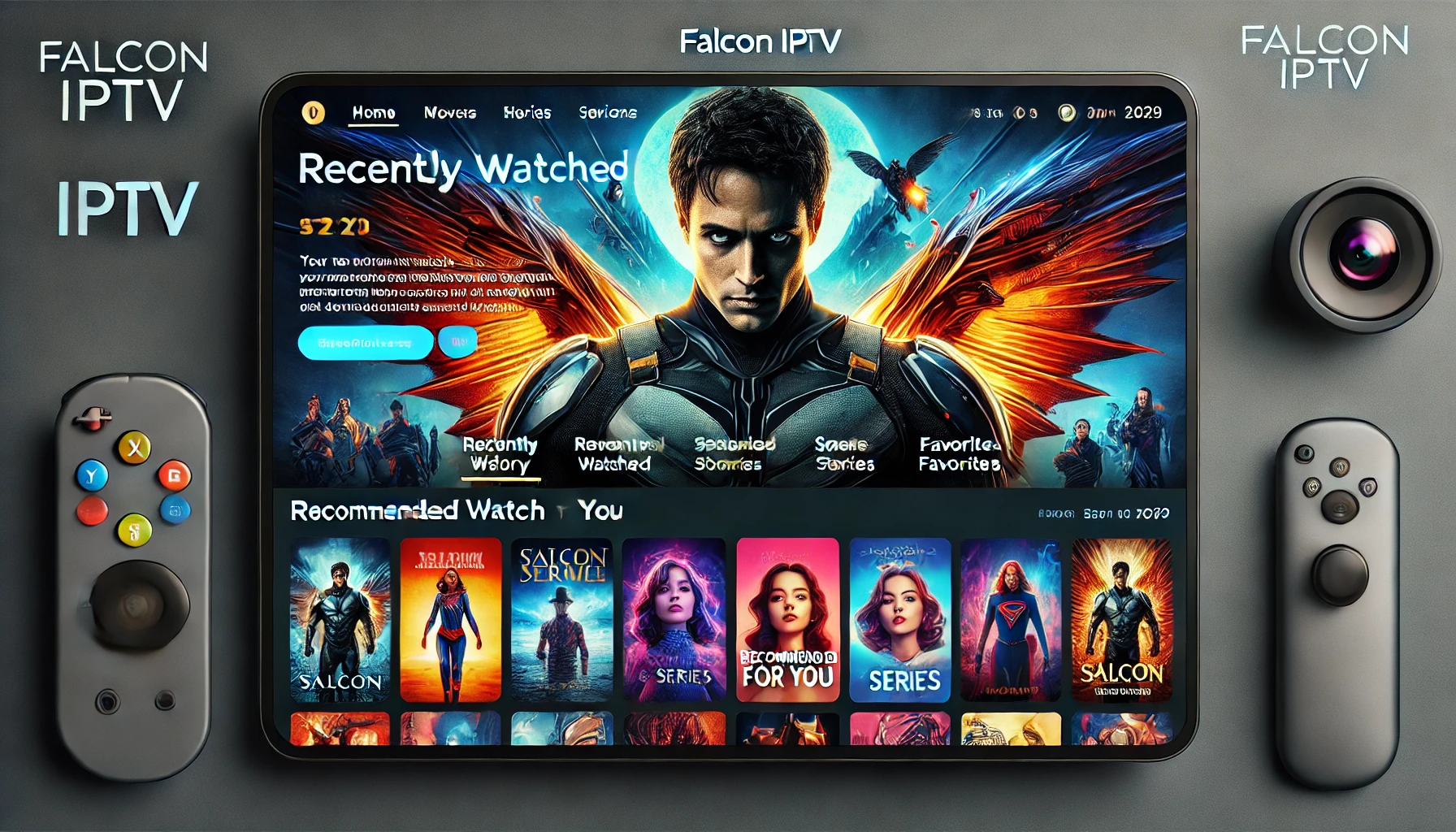
Falcon IPTV Visual Gallery – Experience After You Pay
To give you a better feel of what you get after completing your IPTV payment, here is a visual gallery of Falcon IPTV interfaces and use cases across devices.
Conclusion – Paying for IPTV Subscription the Smart Way
Knowing how to pay for IPTV subscription is essential if you want uninterrupted access to your favorite channels, movies, and sports in 2025. With Falcon IPTV KSA, the process is straightforward:
visit the official site, choose your plan, head to the
payment page, use a trusted local or international payment method, and then download the app to start watching immediately.
By combining secure gateways (such as STC Pay, Mada, HyperPay, PayTabs and others) with clear support and transparent terms, Falcon IPTV KSA gives you a smooth IPTV payment and streaming experience across all your devices.
FAQ – How to Pay for IPTV Subscription
1. What is the safest way to pay for an IPTV subscription?
The safest way is to pay directly through the official website of your IPTV provider, such as
Falcon IPTV KSA, using a secure payment gateway and a trusted method like bank cards, local wallets, or well-known digital wallets.
Always verify the URL and SSL (https) before entering payment details.
2. Can I use Saudi wallets like STC Pay for IPTV payments?
Many users in Saudi Arabia successfully use STC Pay and other local options for digital services. Check the available methods on Falcon’s
payment page to see what is supported at the time of subscription.
3. Do I need a credit card to pay for IPTV?
Not always. While cards (through gateways like HyperPay or PayTabs) are common, users can often pay via wallets such as
Apple Pay,
Google Pay,
Skrill,
CashU, or bank-linked local systems like
Mada and
SADAD, depending on what the IPTV provider supports.
4. How long does it take for my IPTV subscription to activate after payment?
Activation is usually fast – often within minutes after successful payment. Sometimes it may take a short time for the system to process or for your account details to sync with the IPTV app. If it takes longer, contact Falcon IPTV KSA via
technical support or
contact us.
5. Is paying for IPTV legal?
Legality depends on your country and on whether the IPTV provider holds the proper content rights. Regulatory bodies like
CST/TRA in Saudi Arabia,
GDPR in Europe, and the
FCC in the US provide frameworks and rules that digital services must follow. Always choose reputable IPTV providers that respect copyright and local regulations.
6. What should I do if my IPTV payment was charged but I did not receive service?
First, check your email and spam folder for activation details. Then take screenshots of the payment confirmation and contact Falcon IPTV KSA via
support or
contact us.
If needed, you can also ask your bank or wallet provider to verify the transaction status.